Reverse Engineering Anti-Bot Systems
Recently I've been interested in anti-bot systems and detection, partly to learn more about the evasion techniques used to make bots stealthy, and partly because I recently finished my master's and am currently unemployed, so I decided to automate my job applications on the Revolut careers page. It seemed like a good way to learn about the anti-bot systems Revolut uses to control automated submissions.
Take this posting as an example: the graduate application page.
From a quick look at the application page, I noticed it required a reCAPTCHA validation. To find any other validation layers, I used Burp Suite's proxy with a browser and began analysing the traffic in logger mode.
Cloudflare Turnstile
I wasn't surprised when this happened:
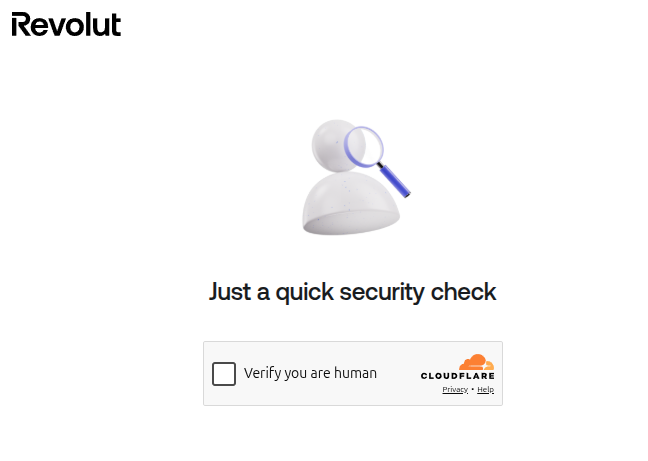
[Traffic Summary: Burp Suite Requests #611–#627]

#611-#612  GET   www.revolut.com/careers/apply/...        403 Forbidden (WAF Challenge)
#613-#614  GET   challenges.cloudflare.com/turnstile/...   200 OK        (Load Challenge Engine)
#615-#623  POST  /cdn-cgi/challenge-platform/...           200/204       (Telemetry & PAT Proof)
#624-#627  POST  www.revolut.com/careers/apply/...         200 OK        (Challenge Passed)
Seeing this Cloudflare protection, I assumed I'd need to make my Playwright script stealthy. I was wrong. This plain script, no stealth plugins, no fingerprint patching, was enough to reach the page where I could fill in my details:
const { chromium } = require('playwright-extra');

(async () => {
    const browser = await chromium.launch({ headless: true });

    const context = await browser.newContext({
        userAgent: 'Mozilla/5.0 (X11; Linux x86_64) AppleWebKit/537.36 ' +
                   '(KHTML, like Gecko) Chrome/150.0.0.0 Safari/537.36',
    });

    const page = await context.newPage();
    await page.goto('https://www.revolut.com/careers/apply/ad6376ba-a04d-4540-a63d-1cdb90542221/');

    await page.waitForTimeout(3000);
    await page.getByRole('button', { name: 'Reject non-essential cookies' }).click();
    await page.getByRole('button', { name: 'Apply for this role' }).first().click();
    await page.screenshot({ path: 'data/screenshot1.png', fullPage: true });

    await browser.close();
})();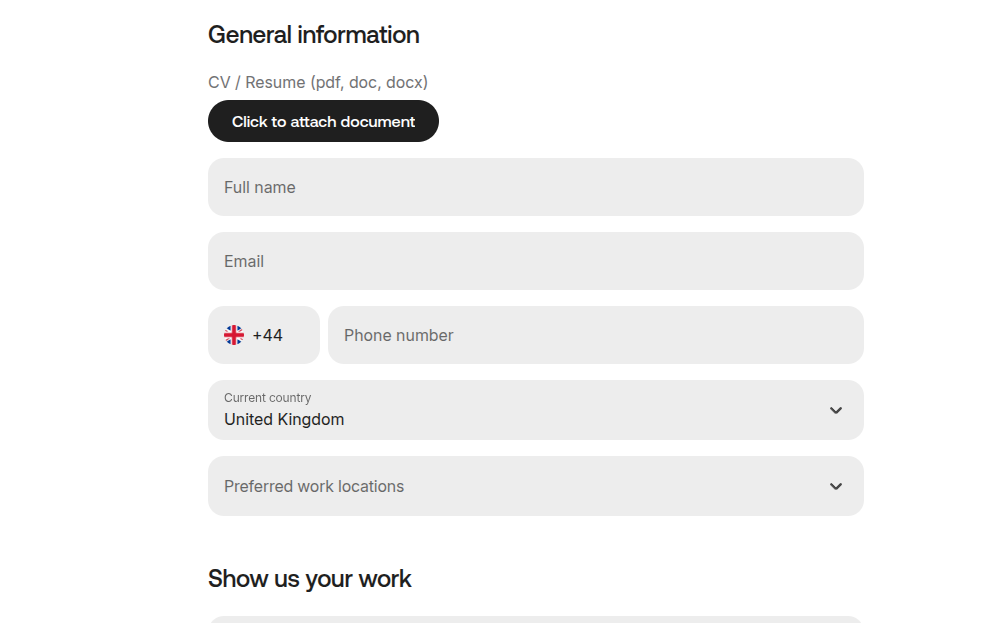
Note that each Revolut job form has different fields, so my program focuses only on the graduate roles.
From this look at the Burp proxy interception, my interpretation is that Cloudflare's detection here leaned heavily on TLS/HTTP2 fingerprinting. Burp re-originates TLS with its own (non-browser) stack, so it presents a JA3/JA4 fingerprint that doesn't match any real browser [4]. Playwright, by contrast, drives a real Chromium, which presents Chrome's genuine handshake, including the random GREASE values Chrome injects into its ClientHello, whose absence alone flags a client as non-Chrome [2]. That was enough to clear the challenge here without any added evasions.
I want to be careful not to overstate this. It is not generally true that unmodified
Playwright bypasses Cloudflare, on well-configured deployments it usually fails, since the
navigator.webdriver flag and other automation markers are detectable on the
JavaScript layer [4]. Cloudflare scores TLS, HTTP/2, canvas,
WebGL, behavioural signals, and Turnstile together into a single trust score, and a single
passing layer isn't sufficient on its own [1]. My reading is
that in this specific case, this deployment and this IP, a genuine browser
fingerprint was weighted enough to pass.
Google reCAPTCHA
The next step was filling in my data and dealing with the Google reCAPTCHA. Recording
the form interaction with npx playwright codegen made the data-entry part
straightforward. The reCAPTCHA was the harder part.
First, I added the "I'm not a robot" click and as expected, it served a puzzle:
const recaptchaFrame = page.frameLocator('iframe[src*="recaptcha"]').first();
await recaptchaFrame.getByRole('checkbox', { name: "I'm not a robot" }).click();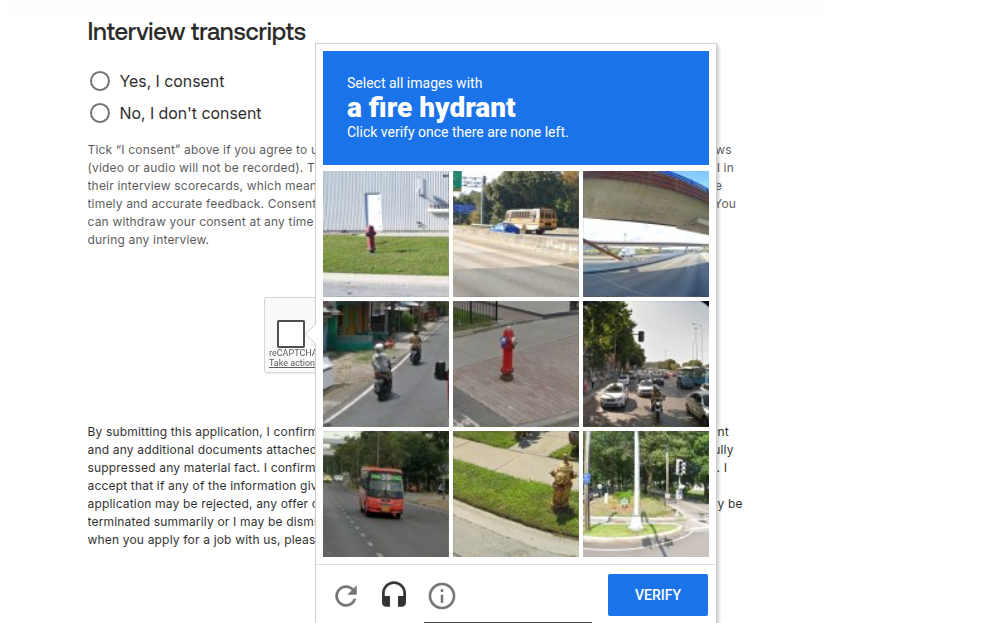
At this point there were broadly two directions:
- Hand the challenge off to a third-party CAPTCHA-solving service, the commodity route.
Providers such as 2Captcha, Anti-Captcha, or CapSolver expose an API where you submit the
site key and page URL and receive back a
g-recaptcha-responsetoken to inject into the form [7]. For scoring-based challenges like reCAPTCHA v3 and Enterprise, these services rely on automated token generation backed by aged accounts, residential proxies, and reverse-engineered clients. It works, but it's opaque (you're trusting a black-box provider) and paid. - Reverse-engineer the client to understand what reCAPTCHA actually sends, deobfuscate the JavaScript, the network requests, and map how the browser fingerprint is collected and encrypted. This was the route I took.
References
- Scrapfly — How Cloudflare Detects Bots: TLS, HTTP/2, Canvas, and Turnstile Explained.
- DEV Community — How to Bypass Cloudflare with TLS Fingerprinting in Node.js. JA3 internals and Chrome GREASE values.
- Browserless — TLS Fingerprinting: How It Works & How to Bypass It.
- ScrapeBadger — How to Bypass Cloudflare Anti-Bot Protection (2026).
- Salesforce — JA3: TLS/SSL client fingerprinting.
- FoxIO — JA4+ fingerprinting suite.
- 2Captcha — reCAPTCHA solving API documentation.